AI Toolkit for Students and Professionals: Part II
ChatGPT can do almost everything reasonably well. But sometimes, reasonably well is not enough. In Part II of our AI Toolkit, we explore specialized tools built for deeper research, better presentations, faster coding, smarter meetings, data analysis, design, video creation, and more.

My editorial team has informed me that I ramble too much in my articles. And since we have not yet discovered the written equivalent of a Subway Surfers clip to hold everyone’s attention, I am going to keep this short.
Please read the introduction of Part I if you want the full setup for this two-part series. In this article, we are moving beyond generalist AI tools and into the specialized ones: tools you should reach for when ChatGPT is no longer enough.
We are talking code, slides, design, video, research, data analysis, meeting notes, and other tasks that require something more purpose-built than a very enthusiastic chatbot with range. Let’s begin!
Part II: The Specialists
Specialized tools for complex tasks
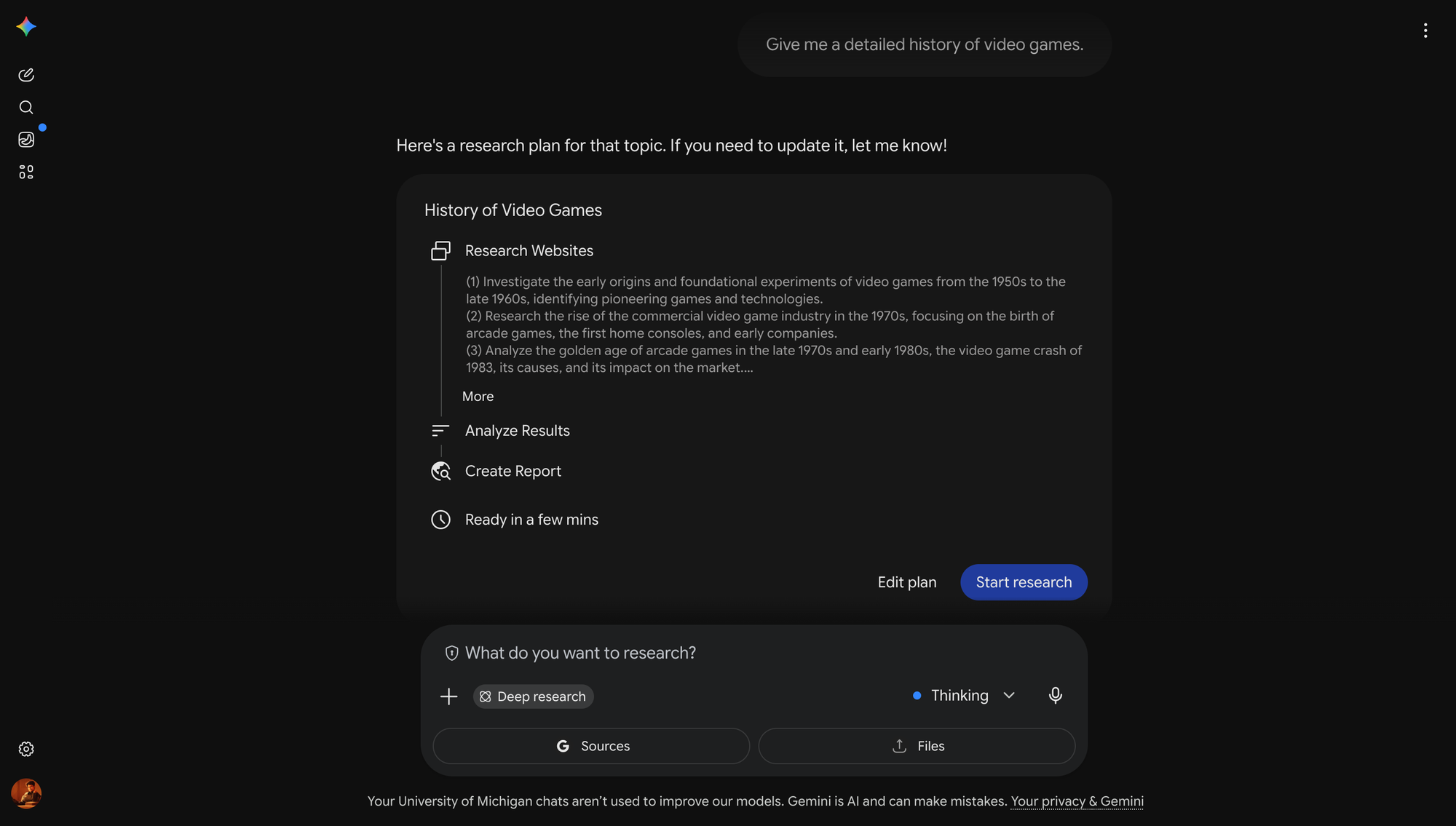
Best for Deep Research: Gemini
Well well well, look who it is again.
Deep Research is the ability to ask an AI tool to go away, search across a large number of sources, read them, synthesize them, cite them, and come back with a structured report. In other words, it tries to do in minutes what might otherwise take a normal person several days, or even a week or two, depending on how deep the rabbit hole goes.
That is an incredible achievement. Gemini is especially strong here because it has Google’s search infrastructure sitting behind it. You can ask it to research a market, explain an industry, summarize historical events, or help you understand a topic you know absolutely nothing about beyond the fact that someone important said it on a podcast.
This is what I call a “day zero” tool.
It may not give you the final answer. It may not replace expert judgment. It may not magically turn you into a McKinsey partner, historian, policy analyst, or suspiciously articulate VC associate overnight.
But it can get you from zero to conversant extremely quickly.
That matters because most hard projects begin with the same miserable feeling: you do not even know what you do not know. Gemini’s Deep Research mode helps you map the terrain. It gives you the major players, key debates, important sources, obvious risks, terminology, timelines, and open questions.
For students and working professionals, that is hugely valuable. Whether you are entering a new market, evaluating a product idea, or trying to make sense of something in the news, Gemini can give you a strong first-pass research foundation.
Example Use Cases
- Research a market before building a product or joining a company.
- Create a historical overview of a country, industry, technology, or movement.
- Understand the regulatory, cultural, or economic context around a topic.
Caveats
Citations are helpful, but they are not holy scripture.
Gemini can cite sources and still misunderstand them. It can summarize accurately in one paragraph and then quietly hallucinate in the next. It can miss nuance, flatten disagreement, overstate confidence, or make weak sources sound more authoritative than they are.
So yes, Deep Research is powerful. But it does not replace human-quality research.
If you want a quick foundation, Gemini is excellent. If you want something truly distinctive, you still have to do some manual work. You need to read primary sources, follow the footnotes, notice what the AI missed, talk to actual people, and develop your own point of view.
Otherwise, you are not doing research. You are outsourcing curiosity. Use Gemini to get to day zero faster. Do not use it as an excuse to never reach day one.
Best for Coding: Claude
Generative AI has promised to upend a lot of industries, but its impact has ironically been felt most deeply by the field that created it: software engineering.
Claude, the third of the big three that I am going to call GOA — Google, OpenAI, Anthropic — in the hope that it catches on, made a relatively early bet that it could do coding better than almost anyone else in the market.
They ended up doing it so well that they invented a new way of working: vibe coding.
And yes, I know “vibe coding” sounds like a term a Stanford Ph.D invented shortly before asking you to join their waitlist (fun fact, it was!). But the underlying shift is real.
For decades, one of the biggest barriers to building a product was engineering. You could have an idea, a customer pain point, and a domain insight sharp enough to cut glass, but if you couldn't code, you were still mostly stuck making Figma mockups and harassing your engineer friends over coffee.
Vibe coding changed that. Suddenly, people who couldn't build software from scratch could describe what they wanted and get something working. It wasn't always good or scalable. But it was something.
That is a big deal. A working MVP lets you test an idea, show a demo, collect feedback, and briefly convince yourself that you are the next Mark Zuckerberg because you built a landing page in twenty minutes.
Claude Code is one of the best tools for this new world.
It is not just a chatbot that gives you code snippets. It is an agentic coding tool that can work inside your existing environment, understand your codebase, run tests, and connect to external tools.
This makes it especially powerful when you are working on an existing codebase. A normal chatbot can help you write a function. Claude Code can help you understand why your app is broken, modify the right files, run the relevant commands, and explain what changed.
Claude is also extremely strong at reasoning through messy technical problems. This matters because coding is not just typing syntax into a machine until the machine stops yelling at you. A lot of coding is understanding architecture, tradeoffs, edge cases, dependencies, bugs, and why something that worked beautifully on your laptop has chosen violence in production.
Claude Code is excellent at that kind of work.
There is also a slightly spooky side to this. The same capabilities that make Claude useful for building software also make it useful for understanding how software breaks. Anthropic’s more advanced coding and security capabilities have drawn serious attention from cybersecurity experts and government officials because an AI system that can reason deeply about code can also reason deeply about vulnerabilities.
So yes, Claude Code is powerful. Possibly too powerful, depending on the task, the user, and the number of energy drinks involved.
Example Use Cases
- Build a rough MVP for a web or mobile app idea.
- Fix bugs or close outstanding PRs in an existing codebase.
- Create an internal dashboard for your team.
- Explain a codebase you inherited and are currently pretending to understand.
Caveats
Claude Code does not replace technical fluency.
It can help you build faster, but it does not remove the need to understand what you are building. If you do not know what changed, why it changed, or what might break next, you are not engineering. You are gambling with better autocomplete.
It can also make you dangerously overconfident. A landing page is not an app. An MVP is not a product. A demo is not a company. locahost:3000 is not the same as instagram.com.
This is the trap of vibe coding: it compresses the distance between idea and prototype so dramatically that you may forget there is still a long, painful road between “it works on my machine” and “real people can safely use this.”
So yes, use Claude Code because it's exceptional. But you're still going to have to read the output, run the tests, and keep backups. You're also going to have to develop extraordinary self-control in not shipping garbage just because a robot sounded confident about it.
Can you vibe code if you've never learned computer science? Yes.
Should you? Probably not.
You're going to get much further if you understand the fundamentals of computational thinking and the technologies that power software today.
The easiest gateway to this is Harvard's CS50. It's one of the best courses I've ever taken. You will not regret it, I promise.
Best for Meetings: Granola
In Part I, I said one of the best use cases for AI is giving structure to raw, unfinished thoughts.
And what is a meeting if not half a dozen people rambling their raw, unfinished thoughts while constantly asking if their screen is visible?
That is why AI meeting tools are so useful. They take an hour of conversation, extract the useful bits, organize the decisions, capture the action items, and help you find the three sentences that explain why the meeting could, in fact, have been an email.
My favorite tool in this category is Granola.
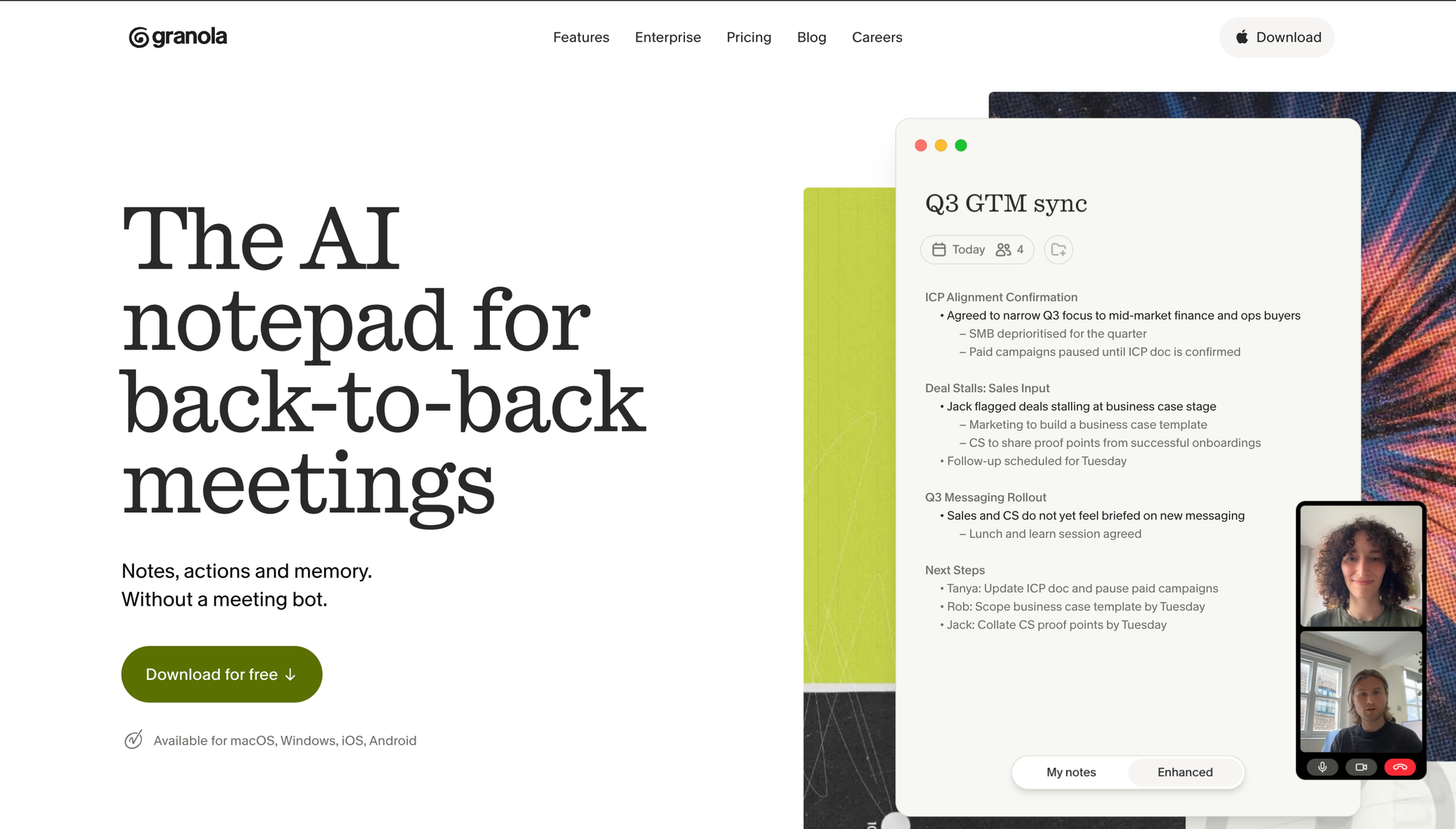
Granola is an AI notepad for meetings. The reason I like it is that it does not require a creepy little robot to join your call and announce its presence like a corporate ghost. Granola runs as an app on your device, listens to the meeting audio, transcribes the conversation, and turns it into structured notes. The company describes it as a botless AI meeting assistant, and says it does not add an extra attendee to your video calls.
The product is also designed around the way meetings actually work. You can jot down your own notes before or during the meeting, and Granola will use the transcript to enhance and structure them afterward. It can also create templates, organize notes into folders, help you share summaries, and let you chat with your past meetings to extract follow-ups, decisions, or recurring themes.
That last part is underrated. A meeting note is useful. A searchable memory of your meetings is much more useful.
Example Use Cases
- Take structured notes during meetings without inviting a bot to the call.
- Turn messy conversations into decisions, action items, and follow-ups.
- Search past meetings when you vaguely remember someone saying something important.
Caveats
The obvious caveat is privacy.
Granola may be less socially awkward than a visible meeting bot, but it is still listening to and transcribing conversations. Granola itself recommends informing participants that you are taking AI-enhanced notes, and that is good advice.
The other caveat is mental atrophy, our old friend and recurring villain.
Just because Granola is taking notes does not mean you get to stop participating. You still need to listen, ask good questions, notice tension, read the room, and understand what is being left unsaid. The tool can capture the meeting, but it cannot care about the meeting for you.
Best for Slides: Gamma
One of the most painful aspects of modern office work is making slides. And by this, I don't mean thinking through the story, structuring an argument, or communicating in a way the audience understands; I love those bits (I'm a psycho, I know).
No, the painful part is moving icons around, resizing boxes, aligning arrows, fixing spacing, changing fonts, and receiving the dreaded “pls fix” message from leadership at 1 AM, which is somehow both vague and spiritually violent.
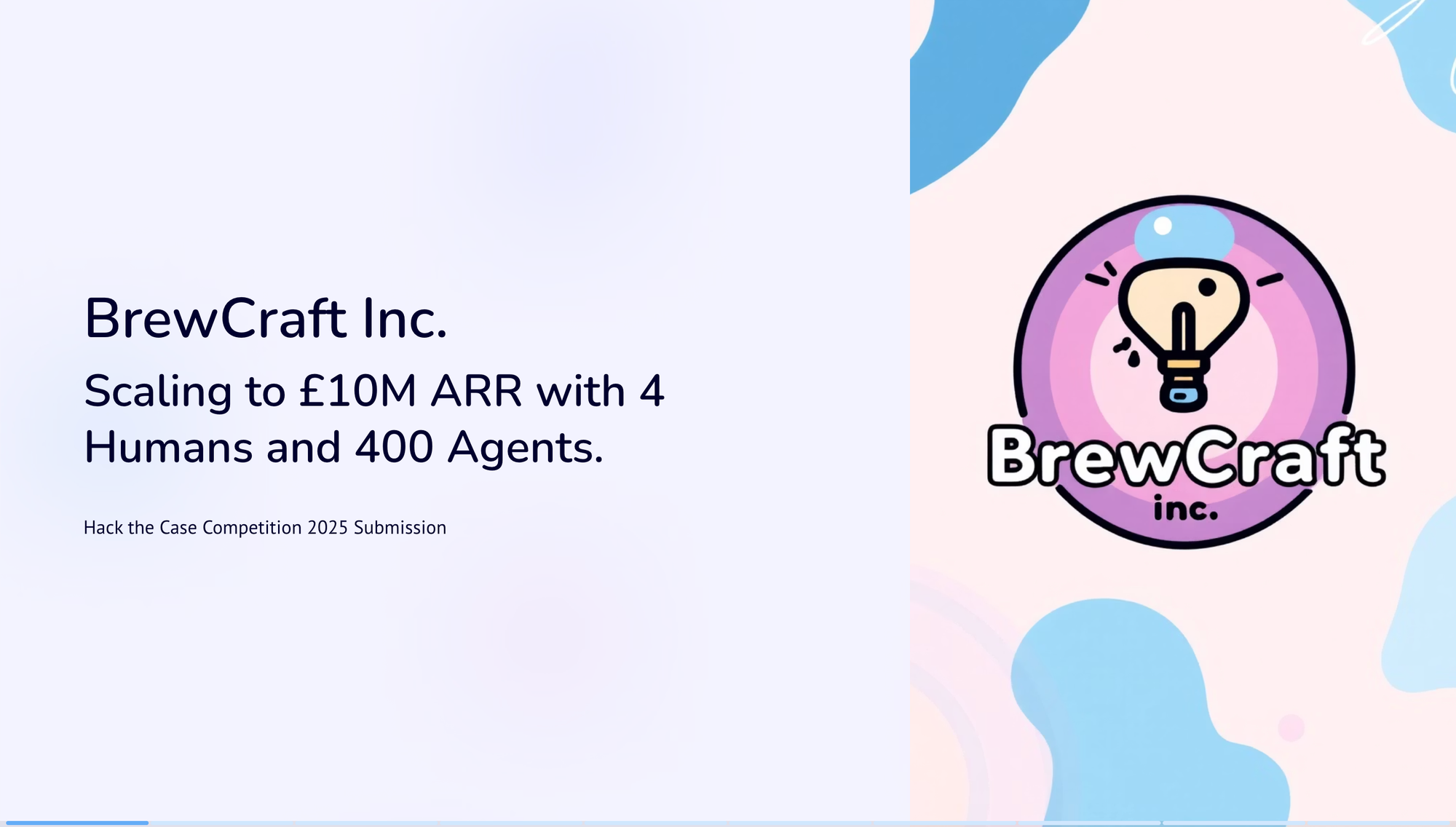
Gamma helps with that. Gamma is an AI presentation tool that can turn prompts or documents into polished decks much faster than building them slide by slide. If ChatGPT or Claude has helped you create the storyline, you can paste that outline into Gamma and ask it to turn the content into a visual presentation.
Instead of starting from a blank slide, you start from a designed first draft. Gamma gives you structure, layouts, visuals, and a sense of momentum. It will not automatically make your argument brilliant, but it will get you out of the swamp faster.
Example Use Cases
- Create a deck from scratch based on a topic.
- Turn written slide outlines into a full-fledged deck.
- Convert a memo, brief, or report into a presentation.
Caveats
As a former McKinsey consultant, I can spot a consulting slide from a mile away whether that be through the fonts, the structure, or the borderline abuse of action verbs such as "innovate".
Gamma carries a similar risk. As more people use it, Gamma slides will become easier to spot.
And that matters because the point of a slide is not merely to look polished. The point of a slide is to communicate something: a story, an argument, a recommendation, a decision, a point of view.
If Gamma helps you express that more clearly, great. But if it sands off your personality, flattens your argument, and turns your presentation into tasteful AI oatmeal, then you have lost the most important part of the work.
Best for Video: Runway
For most of history, video has been expensive because video is annoying. You need a camera, lighting, actors, locations, editing software, patience, and at least one person in the room who says things like “let’s get one more for safety” even though everyone knows that means seven more.
Runway compresses that entire circus into a prompt box.
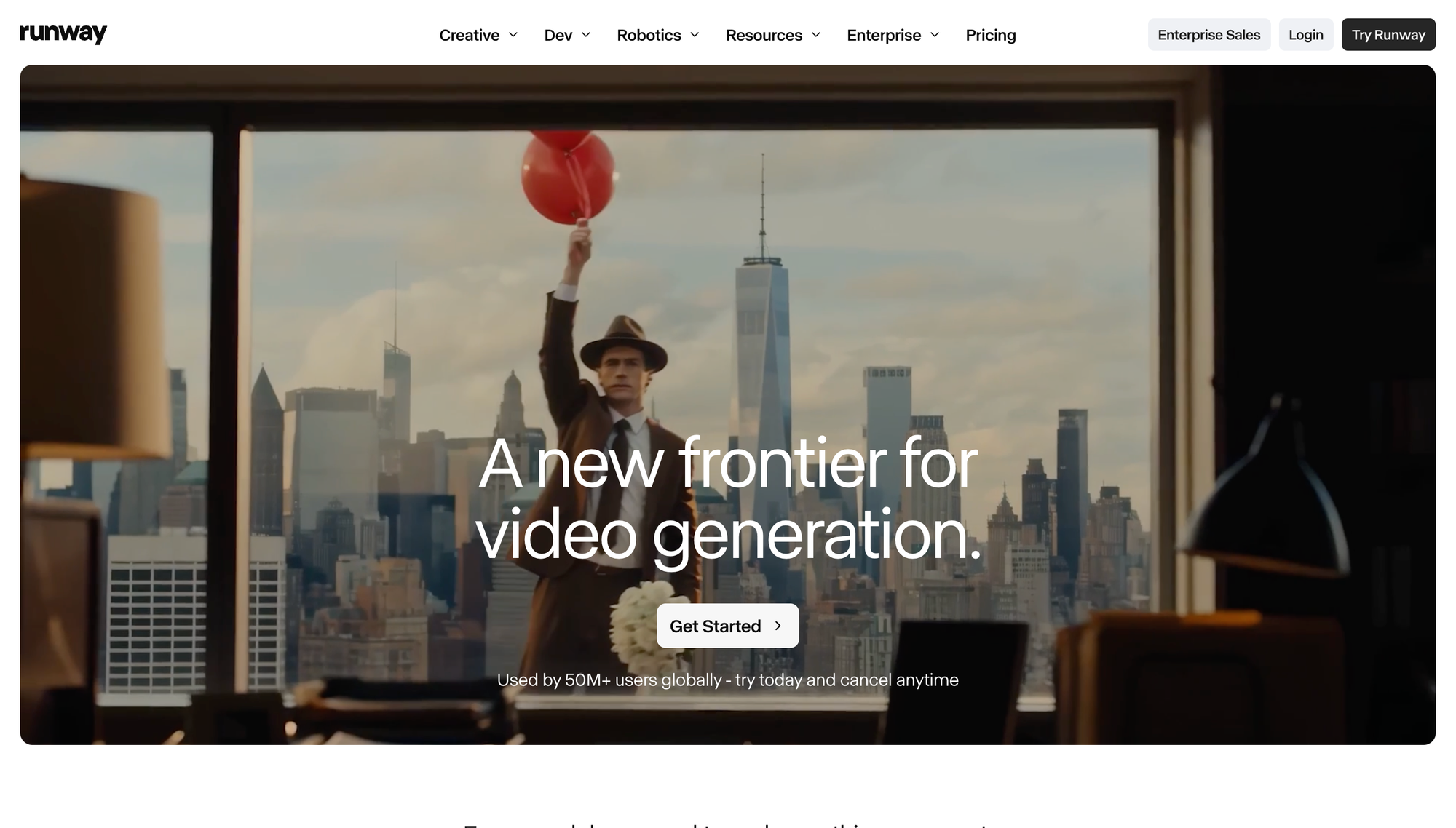
At its core, Runway is an AI video creation platform. You can generate videos from text, animate still images, create cinematic shots, experiment with camera movement, and use AI to turn rough visual ideas into moving images. Runway’s newer models focus heavily on controllability and consistency, which matters because early AI video had a bad habit of making every clip look like a dream being remembered by a goldfish.
Hands melted. Faces shifted. Objects appeared and disappeared. A man would walk into a room as a man and leave as a decorative lamp.
Things have improved dramatically.
Runway is not perfect, but it is one of the best tools for turning a visual concept into a short video quickly. For students and working professionals, that unlocks a lot: class projects, product mockups, startup ads, and little cinematic experiments that would have previously required money, equipment, and at least three people named Matt.
The reason I recommend Runway is not just that it can generate video. A lot of tools can generate video now. I recommend Runway because it feels like a creative workspace, not just a slot machine where you insert a prompt and hope the model does not produce nightmare soup.
You still need taste. You still need direction. You still need to know what you are trying to make.
But Runway gives you a way to explore motion, atmosphere, pacing, and visual storytelling without needing a full production crew. That is a very big deal.
Example Use Cases
- Create a short product video or concept ad.
- Animate a still image for a presentation or social post.
- Generate cinematic B-roll for a class project, pitch, or campaign.
- Prototype the visual mood of a film, brand, or startup idea.
Caveats
AI video is impressive, but it is still weird.
Even the best tools can struggle with physics, continuity, hands, faces, text, precise actions, and anything involving too many moving parts. The output may look beautiful for three seconds and then suddenly make you wonder whether chairs have bones.
There are also serious ethical concerns. Video is emotionally persuasive in a way text is not. Fake video can mislead people, damage reputations, impersonate real humans, and make misinformation feel more believable simply because it moves.
So use Runway for creativity, prototyping, storytelling, and visual exploration. Do not use it to deceive people, impersonate someone, or create fake evidence of something that did not happen.
Best for Real-Time Insights: Grok
Grok may not be the best AI chatbot around but it has one extremely important advantage: it is deeply integrated with X, formerly Twitter, also formerly the place where journalists, founders, politicians, crypto people, sports fans, and the world’s most confidently wrong strangers all decided to live together in one burning group chat.
This means Grok can use posts on X to understand what people are saying right now about a particular topic. In other words, if you're trying to understand a company announcement, a movie controversy or a new cultural trend, Grok will be able to give you the earliest insights on who's reacting, what the sentiment is, and what narratives are starting to form.
Example Use Cases
- Understand real-time sentiment around a trending topic.
- Track what founders, investors, journalists, or industry people are saying about a topic.
- Summarize the conversation around a viral post, trend, or public debate.
- Spot early narratives before they become LinkedIn thought leadership.
Caveats
I am not going to insult your intelligence or waste my word limit by going on a long tirade about the toxicity of social media or how frequently it disagrees with reality.
You are smart. Connect the dots.
Best for Serious Design: Figma
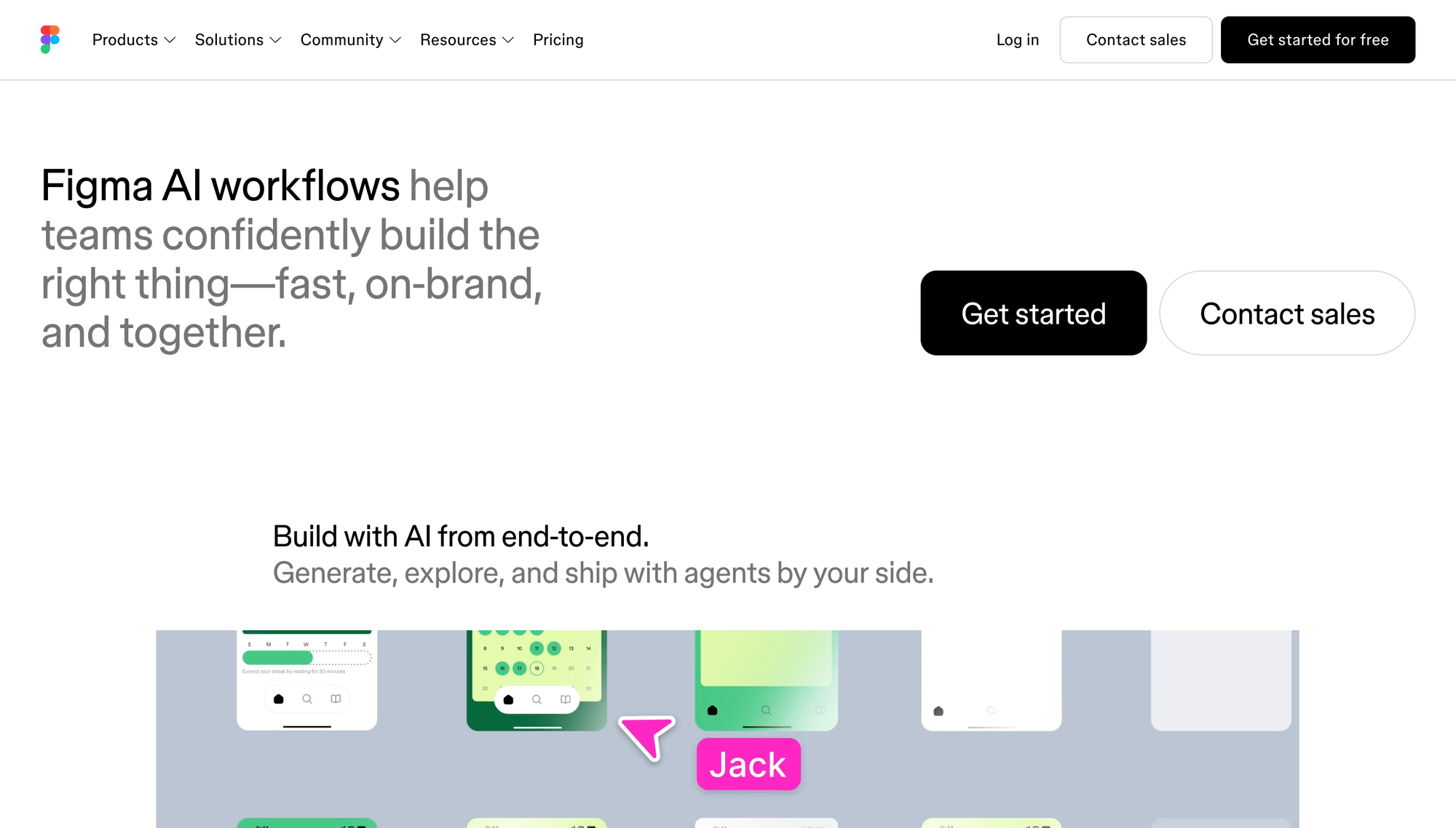
Figma has long been the default workspace for product designers, product managers, founders, and engineering teams. It is where people create wireframes, prototypes, design systems, user flows, and the many rectangles that eventually become software.
AI makes that workflow faster.
You can use Figma’s AI features to generate early design ideas, clean up rough mockups, rewrite interface copy, create assets, explore layouts, and move from concept to prototype more quickly. With tools like Figma Make, the line between designing an interface and building a working prototype is also getting blurrier.
That is the real value. Figma AI does not replace product design. It accelerates the messy early stages where you are trying to turn “what if the app did this?” into something another human can actually see, click, and critique.
Example Use Cases
- Create wireframes or mockups for a new app idea.
- Turn rough product concepts into clickable prototypes.
- Explore different layouts for a landing page, dashboard, or mobile flow.
- Rewrite UI copy so buttons, forms, and onboarding screens make more sense.
Caveats
Figma does not magically give you taste.
This is the same caveat as Canva, but with higher stakes. If you do not understand design fundamentals, user behavior, or the product problem you are solving, Figma AI will simply help you make bad ideas faster and in higher resolution.
A beautiful interface is not the same as a good product. A clickable prototype is not the same as a usable experience. A screen that looks like Airbnb and Notion had a very tasteful child is not automatically valuable.
You still need designers. You still need user research. You still need people who can look at a screen and say, “Why would anyone click this?” in a way that hurts your feelings but saves your product.
Niche Tools
Tasks where foundational models are usually good enough
I like all three tools in this section, but let me be honest: for most people, ChatGPT will be good enough for these tasks 95% of the time.
If you have a very specific need, they can be excellent. If you like fiddling with shiny new toys and have bottomless pockets, then by all means, go wild. The AI economy appreciates your sacrifice.
Business Graphics: Napkin
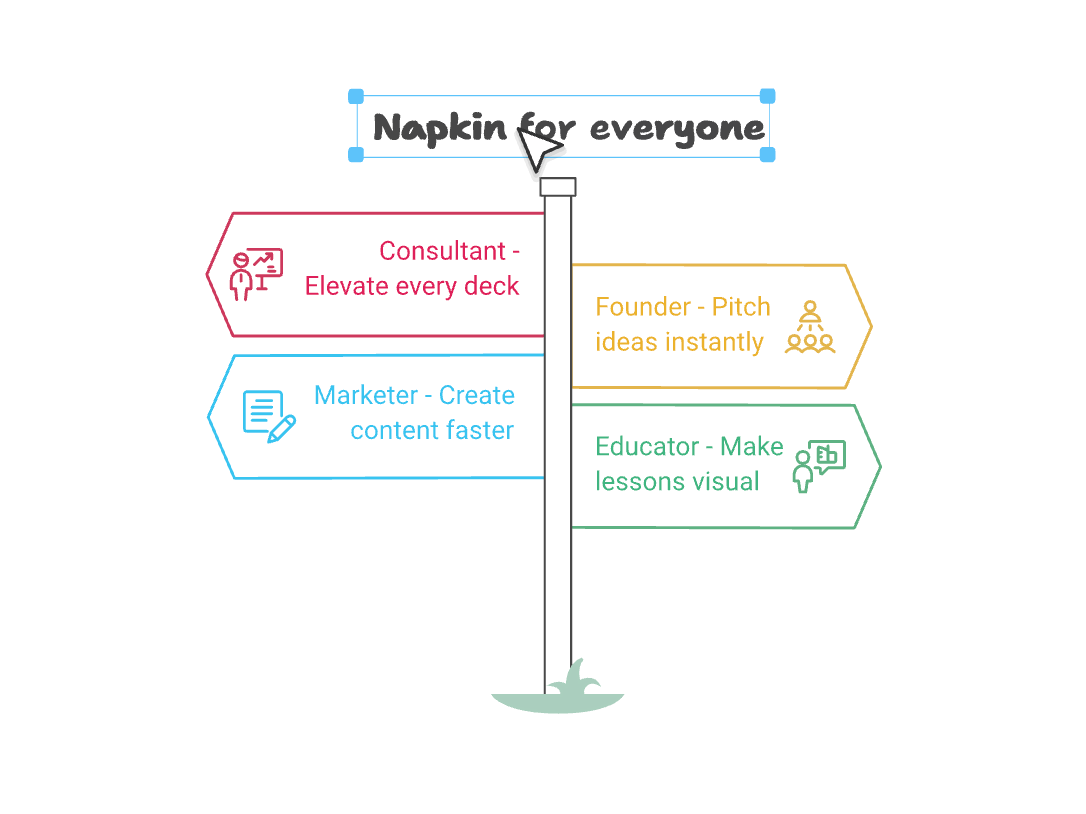
Ever seen the fancy visuals that accompany consulting firm slides? The elegant frameworks. The process maps.The kind of visuals that make a fairly obvious idea look like it emerged from a secretive Alpine strategy retreat.
Consulting firms love these visuals so much that many of them have internal proprietary libraries with hundreds of templates for every possible kind of communication.
Napkin helps ordinary people create versions of those visuals themselves.
You give it text that needs a visual counterpart, and it generates diagrams, frameworks, and business visuals you can use in slides, memos, or reports. This is especially useful when you have an idea that makes sense in your head but looks sad and shapeless as a paragraph.
Fair warning: once your colleagues find out about your visuals, they may start asking you for slide help. This is how every “quick favor” economy begins.
Academic Research: Consensus
If you want your research to be limited to academic papers, Consensus is a great place to start. You can ask questions across a massive database of research papers and get evidence-backed answers instead of whatever the internet’s loudest wellness influencer decided to post between supplement ads.
This is useful when you are writing a paper, checking whether a claim has scientific support, or trying to understand what the literature says about a specific question. It is not a replacement for reading important papers yourself, but it is a very good way to figure out where to begin.
Data Analysis: Julius AI
If you have raw data sitting in a CSV or Excel file and need to turn it into insights, charts, or slides, Julius AI is worth trying.
You can upload data, ask questions in plain English, and have it help with analysis, visualization, and interpretation. This is useful when you do not want to spend three hours fighting with spreadsheet formulas only to create a chart that looks like it was assembled during a hostage situation.
The depth of analysis Julius can do is genuinely impressive. So if Codex or ChatGPT is not giving you the clarity you need on a data-heavy task, Julius is a good specialist tool to reach for.
Meta AI
A sleeping giant waiting to be unleashed
Meta’s peak mindshare probably came around the Llama 3 launch, when it felt like the company had discovered the rarest possible combination in AI: genuinely impressive models, open-source goodwill, and a CEO willing to spend money like he had found a cheat code in capitalism.
Since then, the story has become more complicated. Google has come roaring back. OpenAI continues to set the pace in consumer AI. Anthropic has become the darling of people who use the word “reasoning” in casual conversation.
Meta, meanwhile, has felt a little less inevitable. But I would not count them out.
Meta has something almost no one else has: distribution and human context at planetary scale. Instagram, WhatsApp, Facebook, Messenger, Threads, and Meta’s hardware ambitions give the company access to an enormous surface area of human behavior: what people watch, share, message, buy, ignore, laugh at, aspire to, and pretend not to care about.
We already know how powerful Meta’s insights can be for small businesses. For years, Meta’s ad products have been the lifeblood of countless small businesses, creators, local brands, and direct-to-consumer companies. Its Advantage+ suite is built around using AI and automation to optimize ad performance across Facebook and Instagram.
Now imagine what happens if Meta AI starts turning that same understanding of attention, social behavior, commerce, and content into useful consumer and business tools.
That is why Meta AI is worth watching. If Meta cleans up its AI strategy, it could produce insights that no other AI product can. Not because its model is necessarily the smartest in a benchmark fight, but because it may understand people, culture, social networks, creators, and commerce in a way that is very hard to replicate.
That is the bet. And in AI, the leaderboard changes fast. Microsoft and Meta were AI darlings not that long ago. Google was briefly treated like the kid who forgot there was a group presentation, thanks to the Bard era, and now it is suddenly everywhere again.
This war is not over.
(In the off chance a Meta leader is reading this, hit me up. I want to talk.)
Conclusion
Like, Subscribe and Comment please.
And there you have it: a list of tools that should help you with almost every task AI is good at, at least at the time of writing.
I honestly did not bother counting exactly how many tools we covered, because that is not really the point. Use what is relevant to you. Ignore what is not. The goal is not to collect AI subscriptions like Pokémon cards. The goal is to build a toolkit that actually makes your life easier.
I learned the hard way that buying a fishing kit and a manual from Amazon does not make me a fisherman. In the same vein, knowing which AI tools exist does not automatically mean you know how to use AI well. The tool matters, but the operator matters more.
The good news is that this is exactly what the next articles will cover: how to think, prompt, delegate, verify, and collaborate with AI so you can actually get useful work out of these tools instead of just generating prettier nonsense at higher speed.
Stay tuned!
One section in this article was authored entirely by AI with minimal edits. Can you guess which?
Rounak Banik is a graduate student at the University of Michigan and the co-president of the AI & Emerging Technology Club, which publishes Maize & Machine. Before graduate school, he worked at McKinsey & Company, advising companies across healthcare, finance, and technology on artificial intelligence and blockchain.
He is the author of Hands-On Recommendation Systems with Python and the instructor of a DataCamp course on natural language processing.
You can reach him on Instagram, LinkedIn, or via email at rbanik@umich.edu.